










Digital Travel Security: Simple Tech Safety Tips for Travelers
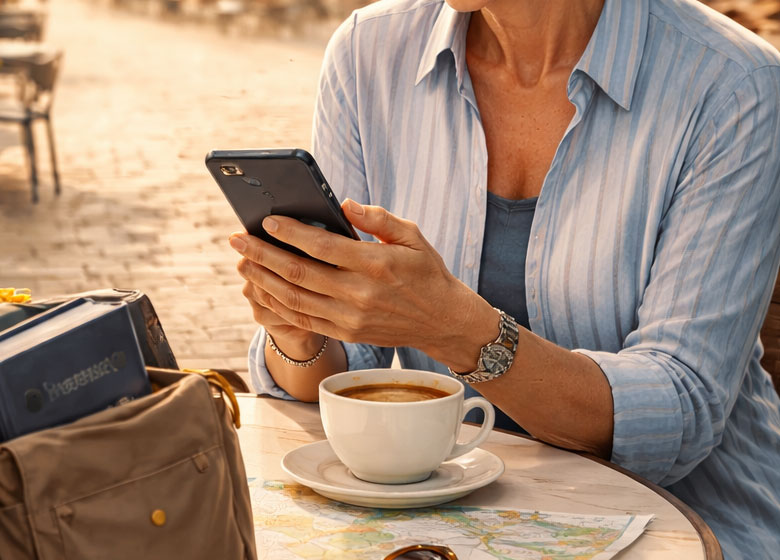
A few simple digital habits before you leave can prevent account lockouts, card fraud, and fake Wi-Fi headaches abroad.
Home » Travel Planning »
Last updated: February 2026 by Corey Gasman
Travel is easier than ever, but digital risks travel with you. The good news is you do not need to be “techy” to protect yourself. A handful of simple steps dramatically reduce the chances of account lockouts, card fraud, and fake public Wi-Fi traps.
Think of this as a light, common-sense plan. Twenty minutes before departure. A few smart rules on the road. No cybersecurity deep dive required.
Before you go: a 20-minute security tune-up
1) Update your phone and laptop
Run updates on your phone, tablet, and laptop before travel. Updates often patch security issues. Do it on your home Wi-Fi, not at the airport.
2) Turn on a strong screen lock
- Use Face ID or fingerprint, but also set a strong passcode.
- Avoid simple codes like 1234 or your birth year.
- Set auto-lock to 30 seconds to 1 minute.
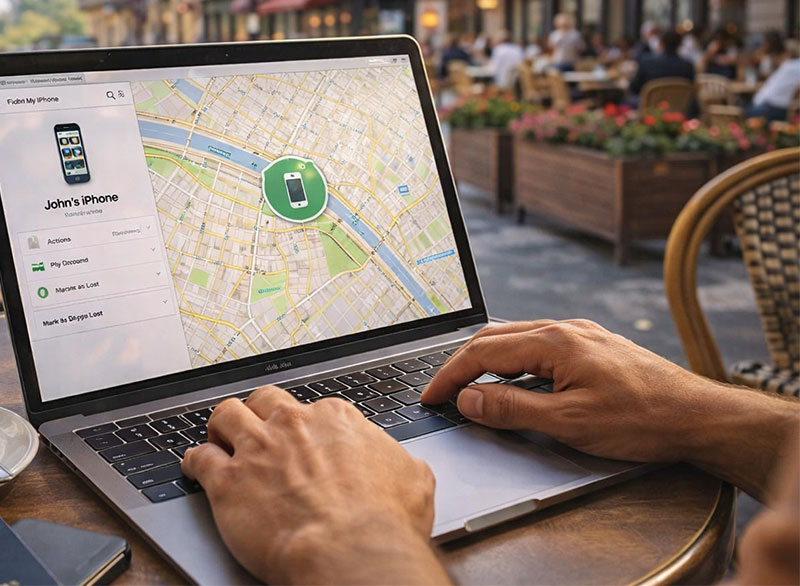
3) Enable “Find My Device” and remote wipe
Make sure you can locate your device if it goes missing. Turn on remote wipe so you can erase it if needed.
4) Lock in your recovery options
For your most important accounts, confirm:
- Backup codes for two-factor authentication are downloaded or printed.
- Your recovery email is current.
- Your recovery phone number is correct.
Store backup codes somewhere separate from your phone. A printed copy in your passport organizer works. So does a secure password manager.
Use a VPN for banking and sensitive logins
A VPN is one of the simplest ways to reduce risk on shared networks. You do not need to understand how it works. You just turn it on before logging into anything financial.
When to use a VPN
- Checking bank balances or moving money
- Logging into credit card portals
- Accessing email or password managers on public Wi-Fi
- Any login involving personal information
Two-factor authentication without a U.S. signal
Many travelers assume 2FA requires U.S. text messages. It does not. You can set up options that work even without a cellular signal.
Option A: Authenticator app
Authenticator apps generate codes without cellular service.
- Set it up before travel.
- Test it once in airplane mode.
- Save backup codes as a safety net.
Option B: Passkeys
Some services allow Face ID or fingerprint sign-in instead of text messages. If your key accounts offer passkeys, enable them before you leave.
Avoid SMS-only 2FA for critical accounts
Text messages can fail abroad. App-based authentication or passkeys are generally more reliable while traveling.
Spotting fake public Wi-Fi
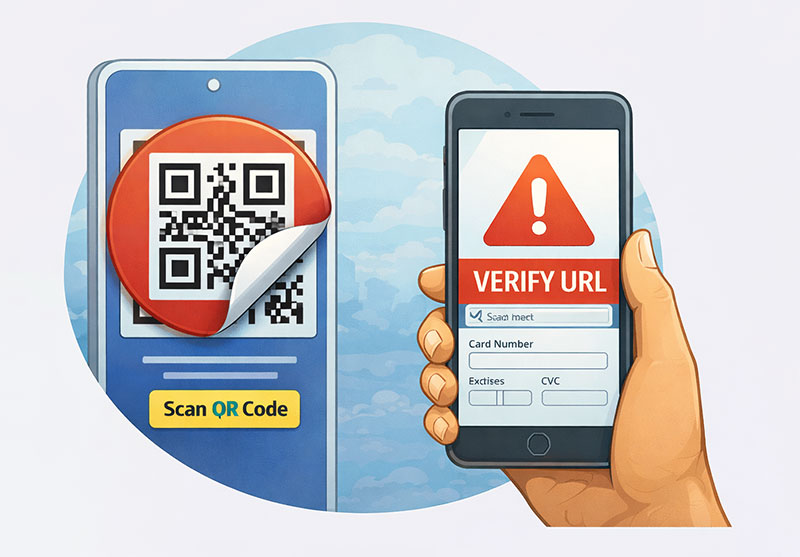
Not all “free Wi-Fi” networks are legitimate. Some are designed to look official but are created to capture data.
Red flags
- Two nearly identical network names
- A network that asks you to install software
- A login page asking for your email password
- A login page that feels aggressive or unusual
Safer steps
- Ask staff for the exact network name.
- Turn off auto-join for public networks.
- Use your phone hotspot for banking.
- Use a VPN on shared Wi-Fi.
Daily habits that reduce risk abroad
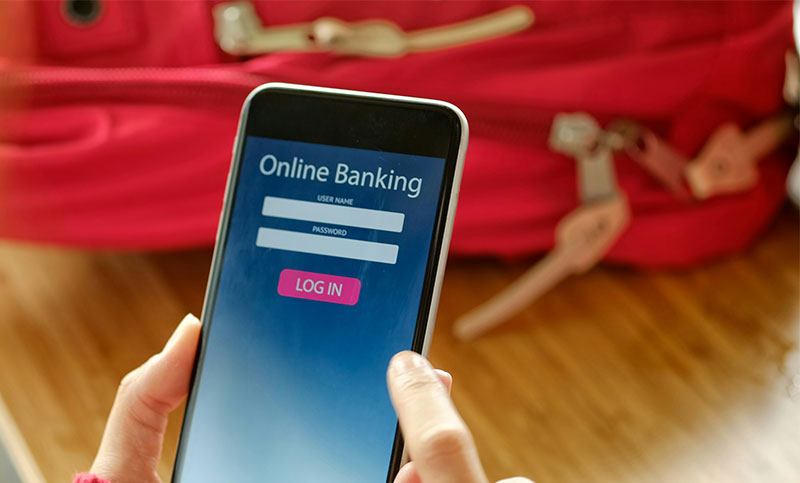
1) Separate banking from casual browsing
Do banking on cellular or hotspot when possible. Use public Wi-Fi for maps and reservations.
2) Turn on transaction alerts
Enable card alerts and login notifications. Early warnings prevent bigger issues.
3) Be cautious with public charging
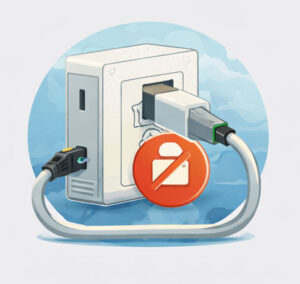
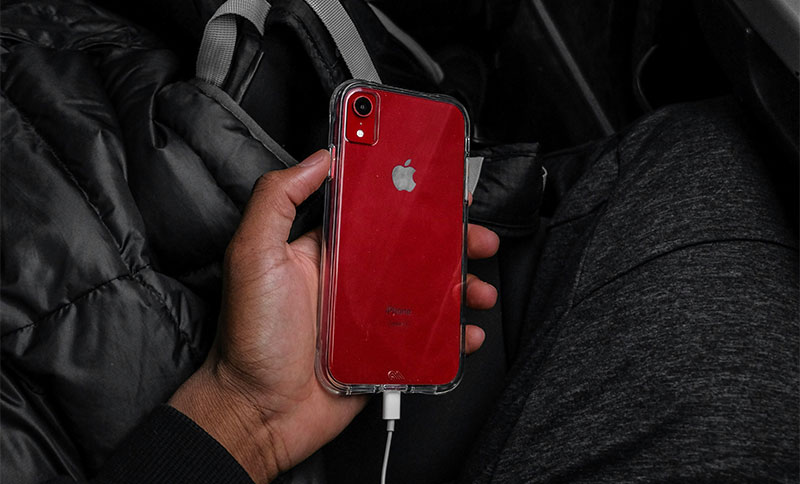
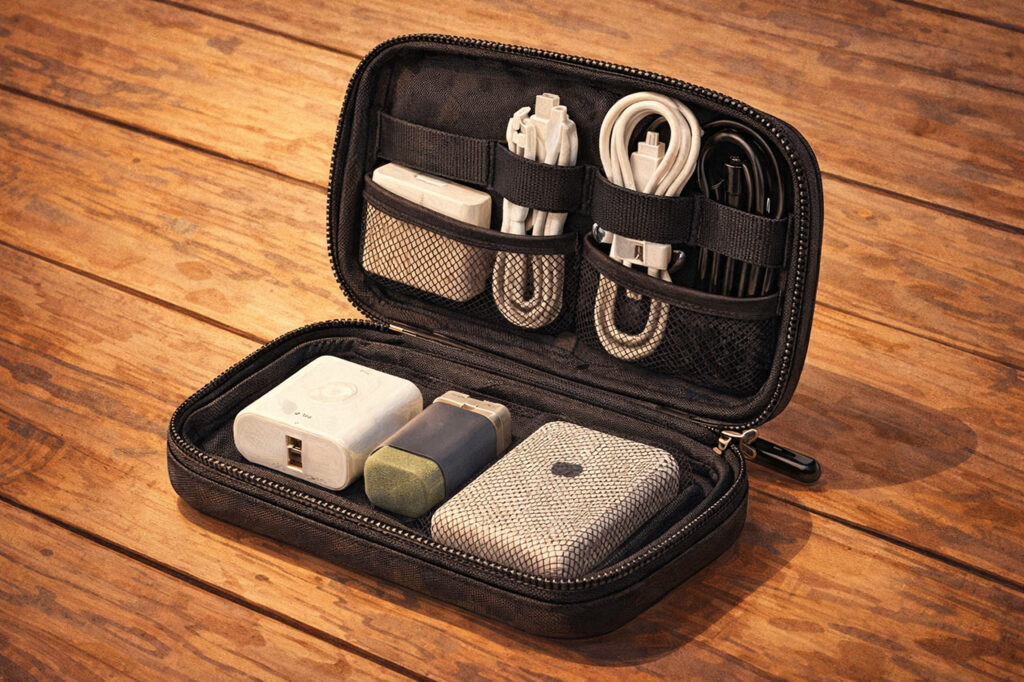
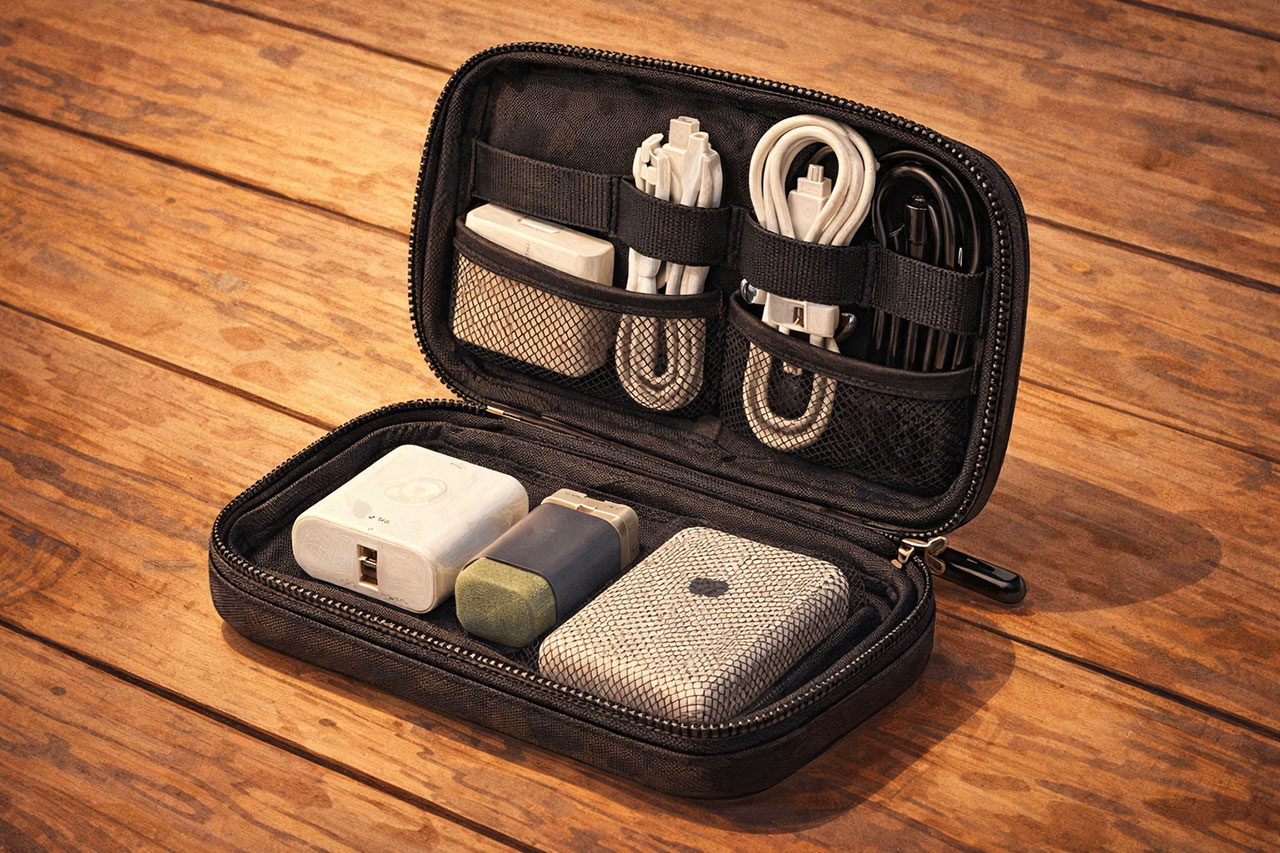
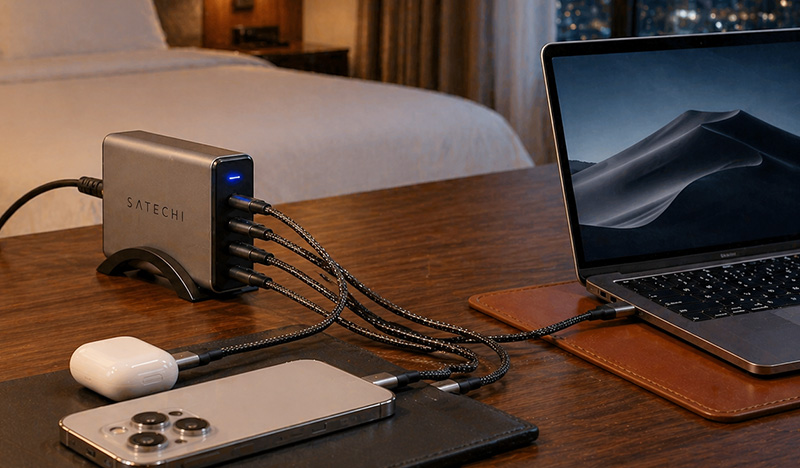
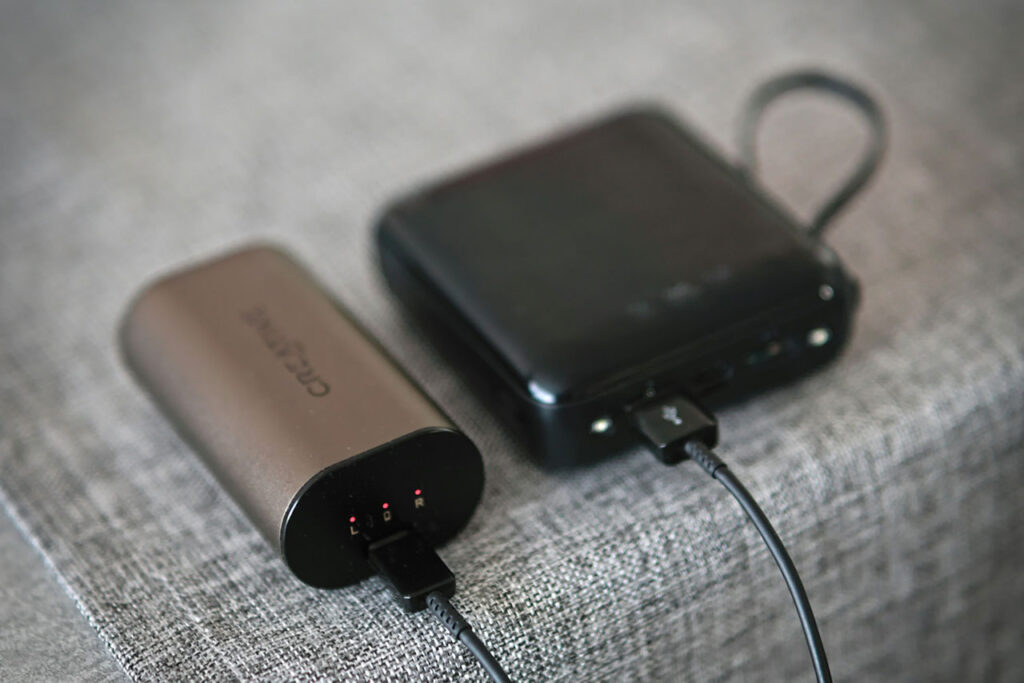
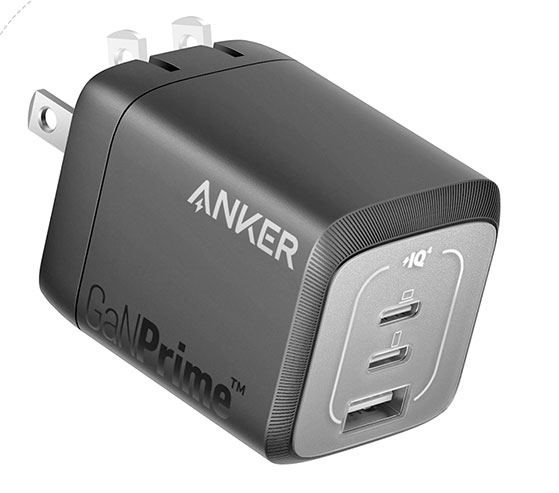
Use your own wall plug when possible. Avoid unknown USB ports unless you are using a data blocker.
4) Keep a small paper backup
- Emergency contacts
- Bank international phone numbers
- Backup authentication codes
If something goes wrong
- Lost phone: Use Find My Device to locate, lock, or wipe.
- Card fraud: Freeze the card in your app immediately.
- Account lockout: Use backup codes or recovery email.
- Suspicious Wi-Fi: Disconnect and change passwords later on a trusted network.
The goal is not perfection. It is fast recovery and reduced stress.
FAQs
A VPN is most useful on public Wi-Fi. If you plan to access banking or email on shared networks, it adds a simple layer of protection.
Use an authenticator app, enable passkeys if available, and save backup codes before departure.
Use your phone’s cellular connection or hotspot whenever possible. Avoid logging into financial accounts on open Wi-Fi unless using a VPN.
No. Turn auto-join off and connect manually only when needed.